Think about how many screenshots you take just to paste a meme, copy an OTP, or send a quick map pin — only for them to rot in your Google Photos gallery forever. SnapFade is a brilliant, ultra-lightweight open-source Android app that intercepts temporary screenshots, copies them straight to your clipboard, and auto-deletes them on a timer.
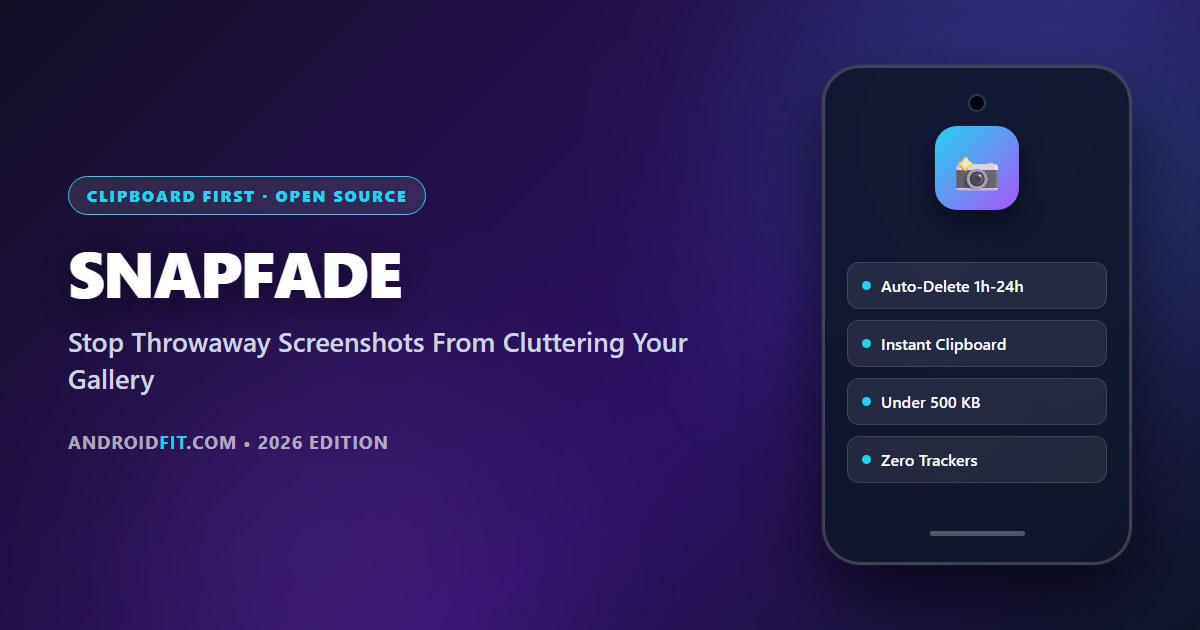
What Is SnapFade?
SnapFade (package: app.snapfade) is a sub-500KB open-source utility highlighted by Android Authority in November 2026. Instead of letting every quick screen grab pollute your camera roll and eat up cloud storage, SnapFade routes them to a temporary private cache with a self-destruct timer.
Key Features
- 📋 Clipboard-First Workflow — Take a screenshot normally; SnapFade immediately pushes it to your clipboard so you can paste it into WhatsApp, Discord, or Slack in one tap.
- ⏳ Custom Auto-Expiry Timers — Choose 1h, 3h, 6h, 12h, or 24h auto-deletion countdowns.
- 🔘 Quick Action Floating Pill — A subtle corner popup lets you hit Save Permanently or Share if you actually want to keep it.
- 🪶 Tiny Footprint — Under 500 KB, zero internet permissions, zero ads, and zero telemetry.
How to Set Up SnapFade
- Download SnapFade from GitHub Releases or F-Droid using the buttons below.
- Grant Media / Storage access so it can monitor new screenshots via Android’s MediaStore.
- Pick your preferred default expiration window (e.g., 3 hours).
- Take a screenshot as usual — paste it wherever you want, and let SnapFade clean up the mess automatically.
Download SnapFade (Free & Open Source)
Verdict
SnapFade fixes a universal Android annoyance without asking for anything in return. Once you try clipboard-first screenshots, you’ll wonder why Google hasn’t built this into Android natively. AndroidFit Rating: 9/10.