Close Menu
  • How to
  • Apps
  • Games
  • MOD APK
  • Root
AndroidFit
  • How to
  • Apps
  • Games
  • MOD APK
  • Root
AndroidFit

Obtainium for Android: How to Update Apps Directly From GitHub Without the Play Store

By AndroidFitUpdated:November 27, 2026 Apps
Share Facebook WhatsApp Twitter Pinterest Telegram Copy Link

If you install open-source Android apps from GitHub or GitLab, you already know the biggest headache: manual updates. Obtainium is the #1 open-source Android utility of 2026 that automatically tracks app releases straight from their source pages and updates them cleanly — bypassing Play Store delays and tracking.
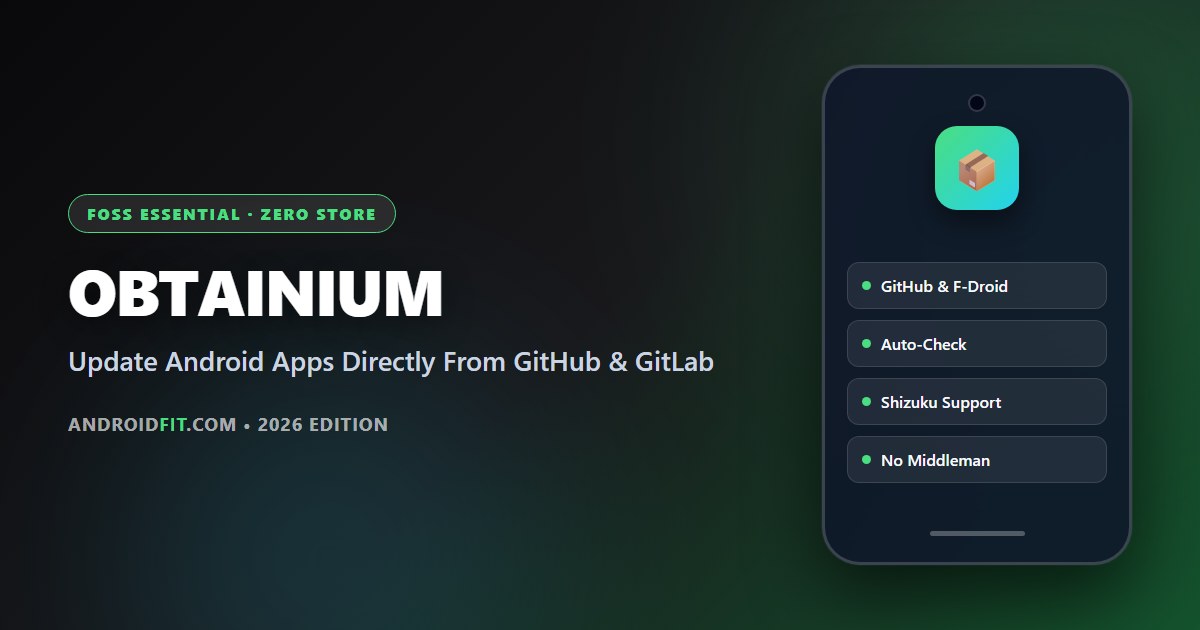
OBTAINIUM - Update Android Apps Directly From GitHub & GitLab

Why Power Users Swear by Obtainium

  • 🚀 Zero Middleman: Pulls APKs straight from GitHub, GitLab, F-Droid, IzzyOnDroid, and Codeberg.
  • 🔔 Background Update Checks: Notifies you the moment a developer pushes a new release.
  • 🛡️ Shizuku & Root Support: Supports unattended silent updates when paired with Shizuku.
  • 📦 Export & Backup: Back up your entire app list as a JSON file when switching phones.

How to Set Up Obtainium in 3 Steps

  1. Download the latest Obtainium APK from the official GitHub Releases page below.
  2. Tap Add App and paste any app’s GitHub repository URL (e.g., CapCraft, Mako Launcher, or SnapFade).
  3. Tap Install — Obtainium will now keep that app up to date automatically.

Download Obtainium

📥 Download Obtainium APK (GitHub)
⭐ View Obtainium on GitHub

Also check this

  1. FRP Bypass APK Download 2026 Free Latest Tool All Version (With Guides)
  2. Google Play Store Apk Download for All Android Device 2026
  3. Lineage OS 18 / 18.1: Download Link and Supported Devices [2026]
  4. CapCraft Review: The Free, Open-Source CapCut Alternative Android Creators Need in 2026
  5. 10 Best Google Play Store Alternatives for Android Apps & Games in 2026
Share. Facebook Twitter Pinterest Email Telegram WhatsApp Copy Link
Previous ArticleAdobe Premiere Mobile for Android (2026): Features, Requirements & Free Download Guide
Next Article PlainApp Review: Control Your Android Phone From Any Browser Over Wi-Fi (Zero Cloud)
AndroidFit
  • Website
  • Facebook

Hi, Here's AndroidFit admin!! I always try to give my best to this website..

Related Posts
Android

November 2026 Pixel Feature Drop & Android 17: 6 Hidden Features You Need to Try

November 27, 2026
Apps

PlainApp Review: Control Your Android Phone From Any Browser Over Wi-Fi (Zero Cloud)

November 27, 2026
Apps

FUTO Keyboard Review: The Best Privacy-First Android Keyboard With Offline Voice Typing

November 27, 2026
Add A Comment
Leave A Reply Cancel Reply

Latest Posts
November 2026 Pixel Feature Drop & Android 17: 6 Hidden Features You Need to Try
November 27, 2026
FUTO Keyboard Review: The Best Privacy-First Android Keyboard With Offline Voice Typing
November 27, 2026
PlainApp Review: Control Your Android Phone From Any Browser Over Wi-Fi (Zero Cloud)
November 27, 2026
Obtainium for Android: How to Update Apps Directly From GitHub Without the Play Store
November 27, 2026
Adobe Premiere Mobile for Android (2026): Features, Requirements & Free Download Guide
November 27, 2026
SongFlip for Android: Instantly Open Any Spotify, YouTube, or Apple Music Link in Your App
November 27, 2026
Air Relay Review: Unlock Custom Notifications & ‘Find My’ on Fitbit Air (2026)
November 27, 2026
Android Auto Maker: How to Run Unsupported Apps on Your Car Screen (2026 Guide)
November 27, 2026
SnapFade Review: Stop Throwaway Screenshots From Cluttering Your Android Gallery
November 27, 2026
PaperKnife+ Review: The Best Free, 100% Offline PDF Editor for Android (2026)
November 27, 2026
© 2026 AndroidFit
  • About Us
  • Privacy Policy
  • Disclaimer
  • Contact Us
  • Write For Us

Type above and press Enter to search. Press Esc to cancel.