Close Menu
  • How to
  • Apps
  • Games
  • MOD APK
  • Root
AndroidFit
  • How to
  • Apps
  • Games
  • MOD APK
  • Root
AndroidFit

FUTO Keyboard Review: The Best Privacy-First Android Keyboard With Offline Voice Typing

By AndroidFitUpdated:November 27, 2026 Apps
Share Facebook WhatsApp Twitter Pinterest Telegram Copy Link

Every word you type on Gboard or SwiftKey is processed by massive tech ecosystems. FUTO Keyboard flips the script: it’s a sleek, modern, open-source Android keyboard featuring swipe typing, autocorrect, and 100% offline AI voice-to-text — with zero internet access.
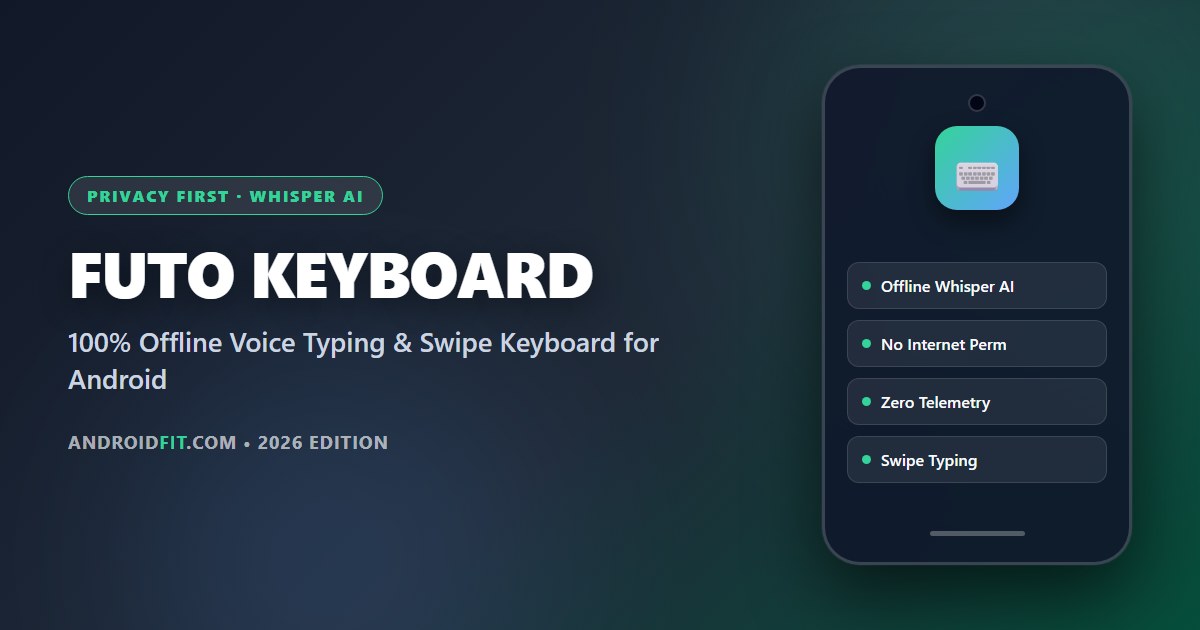
FUTO KEYBOARD - 100% Offline Voice Typing & Swipe Keyboard for Android

Why Switch to FUTO Keyboard?

  • ๐ŸŽ™๏ธ On-Device Whisper Voice Input: Accurate punctuation and dictation that works even in Airplane Mode.
  • ๐Ÿ”’ Zero Internet Permission: Physically incapable of sending your keystrokes or passwords to any server.
  • ๐Ÿ‘† Smooth Swipe & Multilanguage Support: Fast gesture typing, clipboard history, and custom Material You themes.

FUTO Keyboard vs. Gboard

FeatureFUTO KeyboardGboard
Offline Voice TypingYes (Whisper AI)Partial (Pixel only)
Internet PermissionNoneRequired
Telemetry / Data CollectionZeroYes
Source CodeSource-Available (GitHub)Closed Source

Download FUTO Keyboard

๐Ÿ“ฑ Get FUTO Keyboard on Google Play
๐ŸŒ Official FUTO Website

Also check this

  1. Gboard hidden features: 10 Tricks and Tips to help you master Gboard for Android
  2. How to Use Bing AI Chat on Your Android Phoneโ€™s Keyboard
  3. Swiftkey APK+ Mod+ All Paid Themes for Swiftkey Keyboard Android App
  4. How To Type Pi (ฯ€) Symbol On Mac, iPhone, Android & Windows
  5. 5 Best Keyboard Apps for Android in 2026
Share. Facebook Twitter Pinterest Email Telegram WhatsApp Copy Link
Previous ArticlePlainApp Review: Control Your Android Phone From Any Browser Over Wi-Fi (Zero Cloud)
Next Article November 2026 Pixel Feature Drop & Android 17: 6 Hidden Features You Need to Try
AndroidFit
  • Website
  • Facebook

Hi, Here's AndroidFit admin!! I always try to give my best to this website..

Related Posts
Apps

PlainApp Review: Control Your Android Phone From Any Browser Over Wi-Fi (Zero Cloud)

November 27, 2026
Apps

Adobe Premiere Mobile for Android (2026): Features, Requirements & Free Download Guide

November 27, 2026
Apps

Obtainium for Android: How to Update Apps Directly From GitHub Without the Play Store

November 27, 2026
Add A Comment
Leave A Reply Cancel Reply

Latest Posts
November 2026 Pixel Feature Drop & Android 17: 6 Hidden Features You Need to Try
November 27, 2026
FUTO Keyboard Review: The Best Privacy-First Android Keyboard With Offline Voice Typing
November 27, 2026
PlainApp Review: Control Your Android Phone From Any Browser Over Wi-Fi (Zero Cloud)
November 27, 2026
Obtainium for Android: How to Update Apps Directly From GitHub Without the Play Store
November 27, 2026
Adobe Premiere Mobile for Android (2026): Features, Requirements & Free Download Guide
November 27, 2026
SongFlip for Android: Instantly Open Any Spotify, YouTube, or Apple Music Link in Your App
November 27, 2026
Air Relay Review: Unlock Custom Notifications & ‘Find My’ on Fitbit Air (2026)
November 27, 2026
Android Auto Maker: How to Run Unsupported Apps on Your Car Screen (2026 Guide)
November 27, 2026
SnapFade Review: Stop Throwaway Screenshots From Cluttering Your Android Gallery
November 27, 2026
PaperKnife+ Review: The Best Free, 100% Offline PDF Editor for Android (2026)
November 27, 2026
© 2026 AndroidFit
  • About Us
  • Privacy Policy
  • Disclaimer
  • Contact Us
  • Write For Us

Type above and press Enter to search. Press Esc to cancel.