Close Menu
  • How to
  • Apps
  • Games
  • MOD APK
  • Root
AndroidFit
  • How to
  • Apps
  • Games
  • MOD APK
  • Root
AndroidFit

Android Auto Maker: How to Run Unsupported Apps on Your Car Screen (2026 Guide)

By AndroidFitUpdated:November 27, 2026 Apps
Share Facebook WhatsApp Twitter Pinterest Telegram Copy Link

Google keeps Android Auto locked down tight — even when your car is completely parked. Android Auto Maker is a new open-source tool making waves in November 2026 that repackages standard Android apps so they can run natively on your car’s infotainment display while parked, without needing root access.
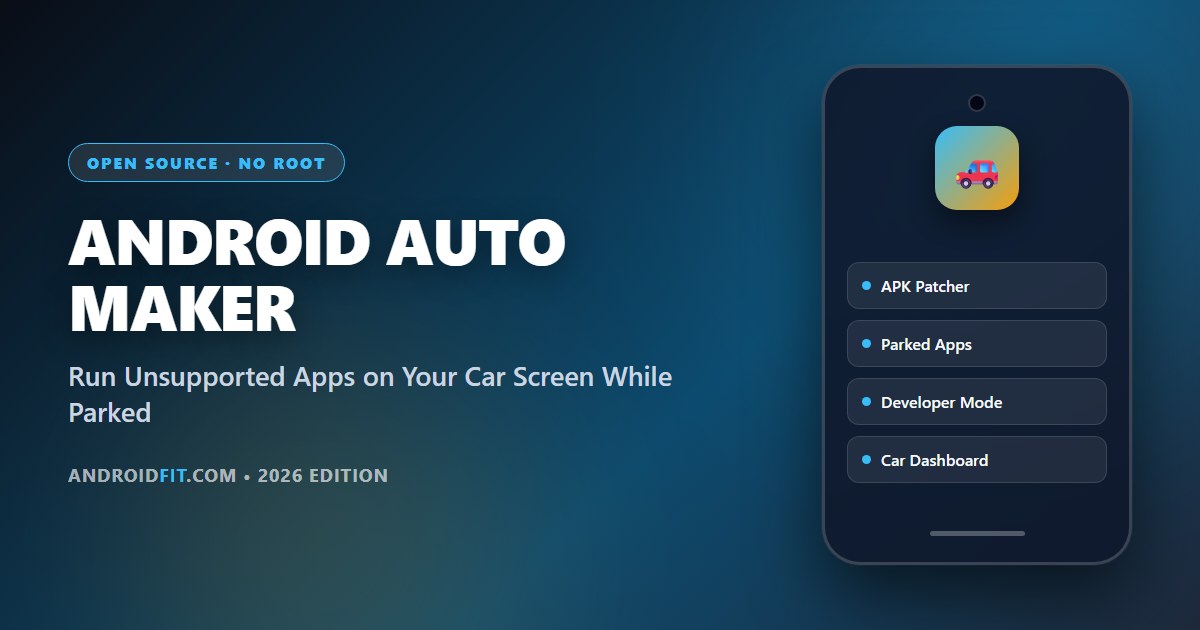
ANDROID AUTO MAKER - Run Unsupported Apps on Your Car Screen While Parked

What Is Android Auto Maker?

Developed by malebuffy on GitHub, Android Auto Maker is an open-source utility that modifies and re-signs standard APK or XAPK files with the necessary Android Auto manifest flags so they register under Android Auto’s parked apps & games category.

Important Safety & Compatibility Notes

  • 🅿️ Parked Use Only: Google’s car system restricts interactive/video apps when the vehicle is in motion.
  • 🔄 Clean Install Required: Because the APK is re-signed with a custom key, you must uninstall the original Play Store version of the target app first.
  • 🔧 Developer Settings Needed: You must enable Unknown Sources inside Android Auto’s Developer Settings on your phone.

How to Use Android Auto Maker (Step-by-Step)

  1. On your phone, open Settings → Connected devices → Android Auto, scroll to the bottom, and tap Version 10 times to unlock Developer Mode.
  2. Tap the three-dot menu → Developer settings → check Unknown sources.
  3. Download Android Auto Maker from the GitHub repository below.
  4. Select the APK/XAPK of the app you want to patch, let Android Auto Maker rebuild and sign it, and install the output APK.
  5. Plug your phone into your car (while parked) and launch the app from the Android Auto launcher.

Download Android Auto Maker

🔗 Android Auto Maker on GitHub

Final Thoughts

While it’s an enthusiast proof-of-concept and won’t replace official car-optimized apps for driving, Android Auto Maker is a super handy tool for EV owners and commuters waiting in their parked cars. Always drive safely and never interact with unapproved apps while on the road.

Also check this


  1. 10 Best Poster Maker Apps for Android
  2. FRP Bypass APK Download 2026 Free Latest Tool All Version (With Guides)
  3. CSR Racing 2 Tips, Cheats and Strategies Tricks
  4. 8 Ways to Fix GPS Signal Lost on Android Auto
  5. Android Auto APK Download (Latest Android Auto v2.0)
Share. Facebook Twitter Pinterest Email Telegram WhatsApp Copy Link
Previous ArticleSnapFade Review: Stop Throwaway Screenshots From Cluttering Your Android Gallery
Next Article Air Relay Review: Unlock Custom Notifications & ‘Find My’ on Fitbit Air (2026)
AndroidFit
  • Website
  • Facebook

Hi, Here's AndroidFit admin!! I always try to give my best to this website..

Related Posts
Android

November 2026 Pixel Feature Drop & Android 17: 6 Hidden Features You Need to Try

November 27, 2026
Apps

PlainApp Review: Control Your Android Phone From Any Browser Over Wi-Fi (Zero Cloud)

November 27, 2026
Apps

FUTO Keyboard Review: The Best Privacy-First Android Keyboard With Offline Voice Typing

November 27, 2026
Add A Comment
Leave A Reply Cancel Reply

Latest Posts
November 2026 Pixel Feature Drop & Android 17: 6 Hidden Features You Need to Try
November 27, 2026
FUTO Keyboard Review: The Best Privacy-First Android Keyboard With Offline Voice Typing
November 27, 2026
PlainApp Review: Control Your Android Phone From Any Browser Over Wi-Fi (Zero Cloud)
November 27, 2026
Obtainium for Android: How to Update Apps Directly From GitHub Without the Play Store
November 27, 2026
Adobe Premiere Mobile for Android (2026): Features, Requirements & Free Download Guide
November 27, 2026
SongFlip for Android: Instantly Open Any Spotify, YouTube, or Apple Music Link in Your App
November 27, 2026
Air Relay Review: Unlock Custom Notifications & ‘Find My’ on Fitbit Air (2026)
November 27, 2026
Android Auto Maker: How to Run Unsupported Apps on Your Car Screen (2026 Guide)
November 27, 2026
SnapFade Review: Stop Throwaway Screenshots From Cluttering Your Android Gallery
November 27, 2026
PaperKnife+ Review: The Best Free, 100% Offline PDF Editor for Android (2026)
November 27, 2026
© 2026 AndroidFit
  • About Us
  • Privacy Policy
  • Disclaimer
  • Contact Us
  • Write For Us

Type above and press Enter to search. Press Esc to cancel.