Close Menu
  • How to
  • Apps
  • Games
  • MOD APK
  • Root
AndroidFit
  • How to
  • Apps
  • Games
  • MOD APK
  • Root
AndroidFit

PlainApp Review: Control Your Android Phone From Any Browser Over Wi-Fi (Zero Cloud)

By AndroidFitUpdated:November 27, 2026 Apps
Share Facebook WhatsApp Twitter Pinterest Telegram Copy Link

Want to reply to texts, transfer photos, and browse files on your phone from your PC without plugging in a cable or trusting third-party cloud servers like AirDroid? PlainApp is a fast, open-source Android app that turns your phone into a private local web dashboard accessible from any desktop browser.
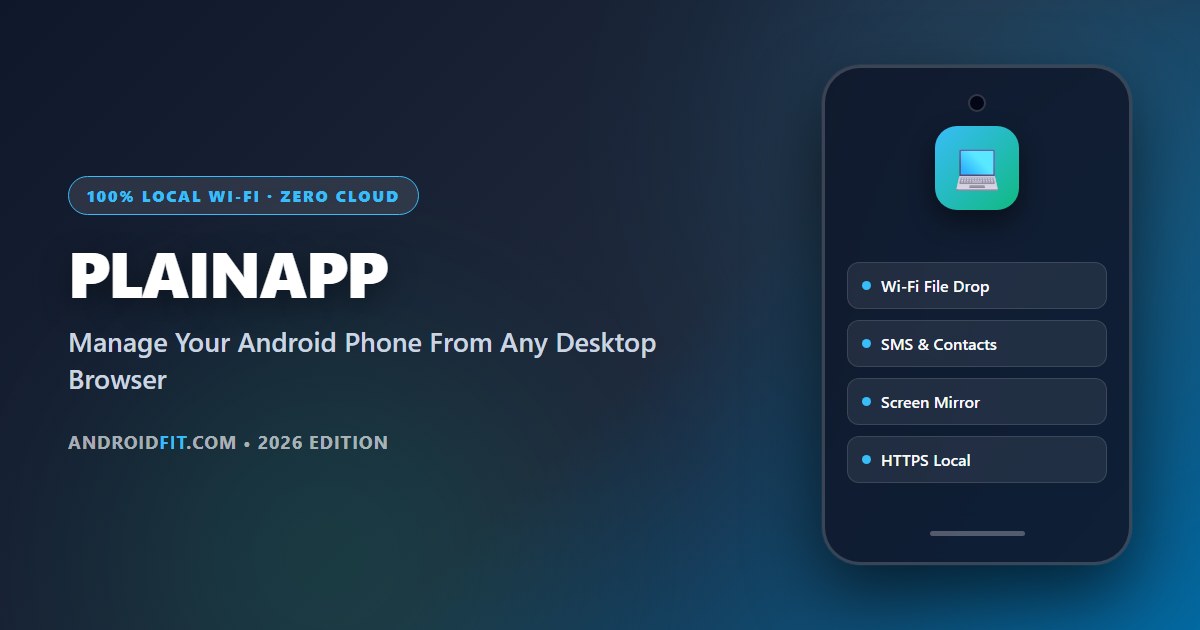
PLAINAPP - Manage Your Android Phone From Any Desktop Browser

What Can You Do With PlainApp?

  • 📁 Two-Way File & Media Manager: Drag and drop photos, videos, and APKs over local Wi-Fi at full router speed.
  • 💬 SMS & Contacts Access: Read and reply to text messages right from your computer keyboard.
  • 📺 Screen Mirroring & Audio Streaming: View your phone screen or play music stored on your phone through PC speakers.
  • 🔒 100% Local Network: Uses HTTPS/TLS directly over your Wi-Fi — zero cloud accounts, zero data leaves your home network.

Download PlainApp

📥 Download PlainApp APK (GitHub)
💻 PlainApp Desktop Client (GitHub)

Also check this

  1. Best Cloud Backup Service in 2026 & How-to Guides
  2. Mobile Phone Parts Name List and their Function
  3. Top 10 File Transfer Apps for Android in 2026: Fast, Secure & Easy Sharing
  4. Top 13 Ways to Fix Android Phone Keeps Losing Network Connection
  5. 10 Useful Wi-Fi Router Features
Share. Facebook Twitter Pinterest Email Telegram WhatsApp Copy Link
Previous ArticleObtainium for Android: How to Update Apps Directly From GitHub Without the Play Store
Next Article FUTO Keyboard Review: The Best Privacy-First Android Keyboard With Offline Voice Typing
AndroidFit
  • Website
  • Facebook

Hi, Here's AndroidFit admin!! I always try to give my best to this website..

Related Posts
Android

November 2026 Pixel Feature Drop & Android 17: 6 Hidden Features You Need to Try

November 27, 2026
Apps

FUTO Keyboard Review: The Best Privacy-First Android Keyboard With Offline Voice Typing

November 27, 2026
Apps

Adobe Premiere Mobile for Android (2026): Features, Requirements & Free Download Guide

November 27, 2026
Add A Comment
Leave A Reply Cancel Reply

Latest Posts
November 2026 Pixel Feature Drop & Android 17: 6 Hidden Features You Need to Try
November 27, 2026
FUTO Keyboard Review: The Best Privacy-First Android Keyboard With Offline Voice Typing
November 27, 2026
PlainApp Review: Control Your Android Phone From Any Browser Over Wi-Fi (Zero Cloud)
November 27, 2026
Obtainium for Android: How to Update Apps Directly From GitHub Without the Play Store
November 27, 2026
Adobe Premiere Mobile for Android (2026): Features, Requirements & Free Download Guide
November 27, 2026
SongFlip for Android: Instantly Open Any Spotify, YouTube, or Apple Music Link in Your App
November 27, 2026
Air Relay Review: Unlock Custom Notifications & ‘Find My’ on Fitbit Air (2026)
November 27, 2026
Android Auto Maker: How to Run Unsupported Apps on Your Car Screen (2026 Guide)
November 27, 2026
SnapFade Review: Stop Throwaway Screenshots From Cluttering Your Android Gallery
November 27, 2026
PaperKnife+ Review: The Best Free, 100% Offline PDF Editor for Android (2026)
November 27, 2026
© 2026 AndroidFit
  • About Us
  • Privacy Policy
  • Disclaimer
  • Contact Us
  • Write For Us

Type above and press Enter to search. Press Esc to cancel.