Close Menu
  • How to
  • Apps
  • Games
  • MOD APK
  • Root
AndroidFit
  • How to
  • Apps
  • Games
  • MOD APK
  • Root
AndroidFit

SongFlip for Android: Instantly Open Any Spotify, YouTube, or Apple Music Link in Your App

By AndroidFitUpdated:November 27, 2026 Apps
Share Facebook WhatsApp Twitter Pinterest Telegram Copy Link

We’ve all been there: a friend sends you a Spotify link in a group chat, you use YouTube Music (or Apple Music), and tapping the link opens a useless browser preview instead of playing the song. SongFlip fixes that friction permanently on Android.
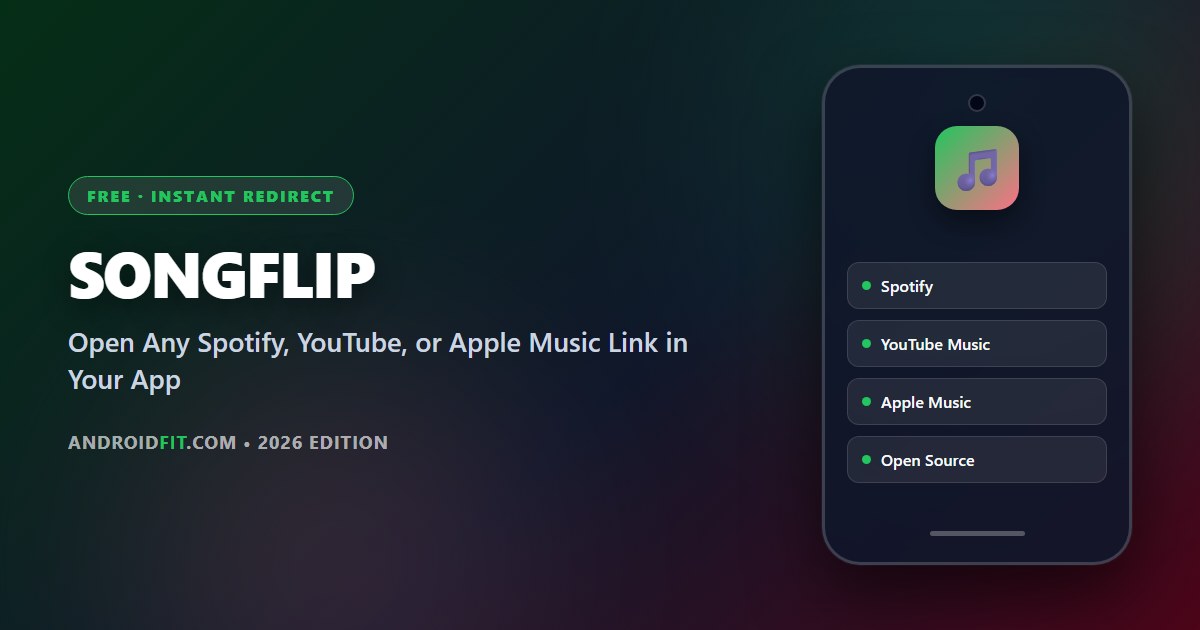
SONGFLIP - Open Any Spotify, YouTube, or Apple Music Link in Your App

How SongFlip Works

Highlighted in Android Authority’s top apps roundup, SongFlip (de.goork.songflip) is a free, open-source Android link router. Once you set your preferred streaming service inside SongFlip, tapping any shared music URL automatically resolves the track via Odesli/Songlink metadata and launches it straight inside your music app.

Supported Music Platforms

  • 🎧 Spotify
  • ▶️ YouTube Music
  • 🍎 Apple Music
  • 🎵 Tidal & Deezer
  • ☁️ SoundCloud & Amazon Music

How to Set Up SongFlip in 60 Seconds

  1. Install SongFlip from Google Play or GitHub below.
  2. Open the app and select your Target Music Service (e.g., YouTube Music or Spotify).
  3. Either share any music link to SongFlip from your chat app, or set SongFlip as the default handler for music links in Settings → Apps → Default apps → Opening links.

Download SongFlip

📱 Download SongFlip on Google Play
⭐ View Source on GitHub

Verdict

SongFlip does one job and does it flawlessly. No ads, no accounts, and open-source. Every Android user in a mixed-platform group chat needs this installed. AndroidFit Rating: 9.5/10.

Also check this

  1. 5 Best Apps To Listen To Music Without Data or WiFi
  2. Spotify Mod APK: Spotify Premium Hack APK for Android
  3. Lineage OS 18 / 18.1: Download Link and Supported Devices [2026]
  4. 12+ Best Sites to Download Full Music Albums Mp3 2026
  5. 13 Best Online Music Streaming Sites for Listening to Free Music
Share. Facebook Twitter Pinterest Email Telegram WhatsApp Copy Link
Previous ArticleAir Relay Review: Unlock Custom Notifications & ‘Find My’ on Fitbit Air (2026)
Next Article Adobe Premiere Mobile for Android (2026): Features, Requirements & Free Download Guide
AndroidFit
  • Website
  • Facebook

Hi, Here's AndroidFit admin!! I always try to give my best to this website..

Related Posts
Android

November 2026 Pixel Feature Drop & Android 17: 6 Hidden Features You Need to Try

November 27, 2026
Apps

PlainApp Review: Control Your Android Phone From Any Browser Over Wi-Fi (Zero Cloud)

November 27, 2026
Apps

FUTO Keyboard Review: The Best Privacy-First Android Keyboard With Offline Voice Typing

November 27, 2026
Add A Comment
Leave A Reply Cancel Reply

Latest Posts
November 2026 Pixel Feature Drop & Android 17: 6 Hidden Features You Need to Try
November 27, 2026
FUTO Keyboard Review: The Best Privacy-First Android Keyboard With Offline Voice Typing
November 27, 2026
PlainApp Review: Control Your Android Phone From Any Browser Over Wi-Fi (Zero Cloud)
November 27, 2026
Obtainium for Android: How to Update Apps Directly From GitHub Without the Play Store
November 27, 2026
Adobe Premiere Mobile for Android (2026): Features, Requirements & Free Download Guide
November 27, 2026
SongFlip for Android: Instantly Open Any Spotify, YouTube, or Apple Music Link in Your App
November 27, 2026
Air Relay Review: Unlock Custom Notifications & ‘Find My’ on Fitbit Air (2026)
November 27, 2026
Android Auto Maker: How to Run Unsupported Apps on Your Car Screen (2026 Guide)
November 27, 2026
SnapFade Review: Stop Throwaway Screenshots From Cluttering Your Android Gallery
November 27, 2026
PaperKnife+ Review: The Best Free, 100% Offline PDF Editor for Android (2026)
November 27, 2026
© 2026 AndroidFit
  • About Us
  • Privacy Policy
  • Disclaimer
  • Contact Us
  • Write For Us

Type above and press Enter to search. Press Esc to cancel.