Tired of missing critical emails because your phone was buried in your pocket during a high-stakes meeting? You aren’t alone. As professionals, we constantly balance staying connected with staying focused. The benefits of smartwatches uses for your business go far beyond tracking your morning jog or checking the weather; these wrist-worn powerhouses act as secondary screens that streamline your workflow and keep you ahead of the competition.
Whether you’re a CEO managing a global team or a freelancer juggling five clients, a smartwatch serves as a productivity filter. It allows you to triage information instantly, ensuring you only pull out your phone for tasks that actually require a large screen. From managing your schedule to securing your corporate data, the utility of these devices is skyrocketing.
In this guide, we’ll break down 15 game-changing ways a smartwatch can transform your professional life. We’ll look at real-world applications, specific app integrations, and how to choose the right hardware to match your Android ecosystem.
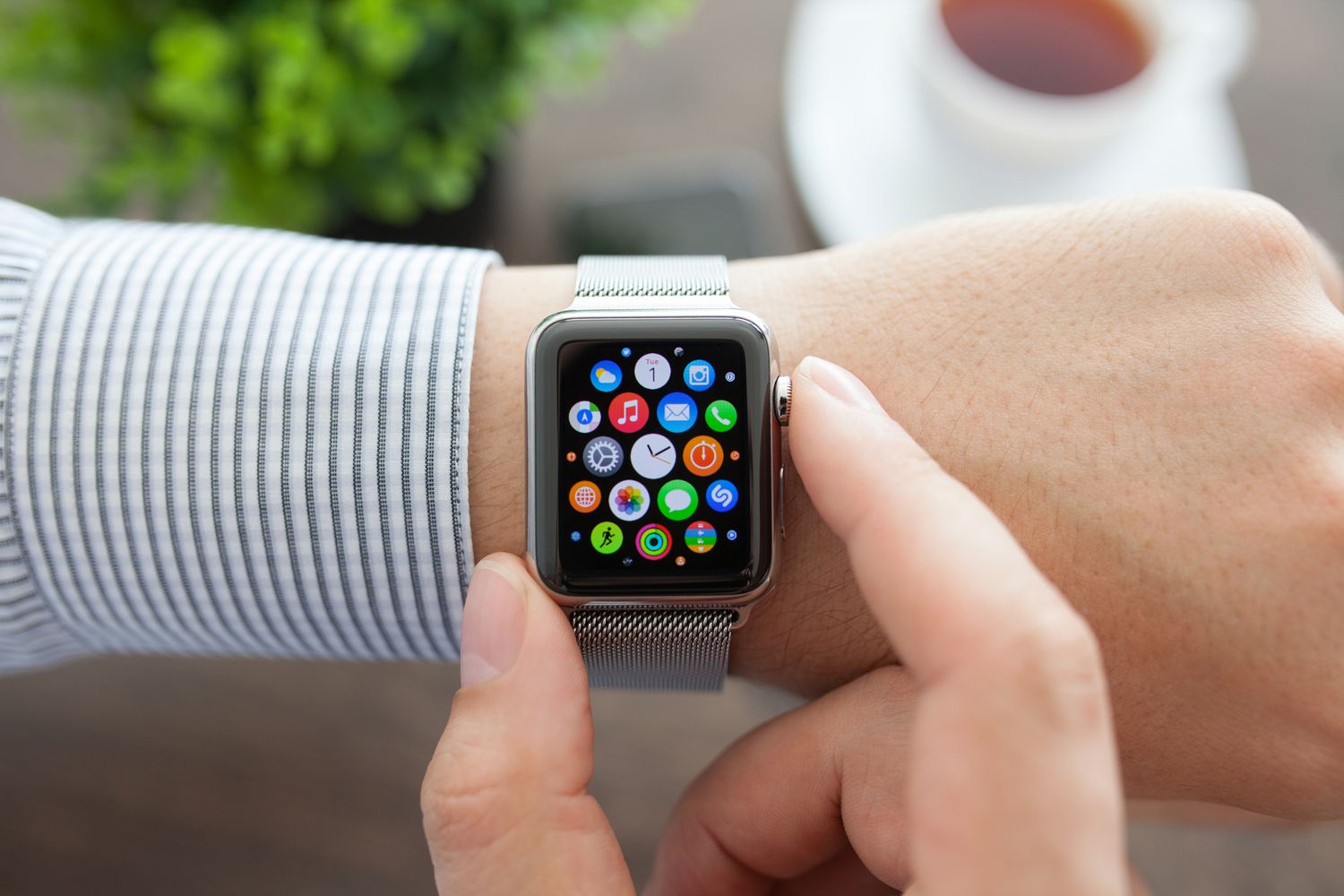
Why Your Business Needs Wearable Tech Right Now
Modern business moves at the speed of a notification. However, “notification fatigue” is real. When you check your phone for a Slack message, you often end up spiraling into Instagram or news feeds. A smartwatch solves this by providing “glanceable” information. You see the alert, decide if it’s worth your time, and get back to work in under three seconds. This micro-interaction model is the secret weapon of high-output professionals.
15 Key Benefits of Smartwatches for Business Professionals
1. Instant Notification Triage
The primary benefit of a smartwatch is the ability to filter incoming data. Instead of reaching for your phone every time it buzzes, a quick flick of the wrist tells you if that email is a “must-read” or “spam.”
- Actionable Tip: Customize your watch settings to only allow notifications from VIP contacts or specific apps like Slack and Trello.
- Business Impact: Reduces digital distractions by 40% according to some productivity studies.
2. Hands-Free Communication
When you’re commuting, carrying hardware, or setting up a presentation, you can’t always hold a phone. Most modern smartwatches feature high-quality microphones and speakers for quick calls.
- Key Feature: Voice-to-text allows you to reply to urgent messages while walking between meetings.
- Best for: Real estate agents and logistics managers.
3. Streamlined Calendar Management
Missing a meeting is a professional cardinal sin. Smartwatches push haptic (vibration) alerts 5 or 10 minutes before an event starts.
- Integration: Google Calendar and Outlook sync perfectly with Wear OS.
- Feature: “Complications” (the small widgets on your watch face) can show your next appointment at all times.
4. Enhanced Security with Two-Factor Authentication (2FA)
Security is paramount for business data. Using your watch as a security token is faster and safer than waiting for an SMS code on your phone.
- Apps to use: Duo Mobile, Google Authenticator, and Microsoft Authenticator.
- Benefit: You can “Approve” login attempts with a single tap on your wrist.
5. Contactless Payments for Business Travel
Managing receipts and fumbling for credit cards during business trips is a hassle. NFC-enabled watches allow for instant payments at terminals.
- Platforms: Google Wallet (formerly Google Pay) and Samsung Pay.
- Business Perk: Keeps a digital trail of expenses for easier reimbursement.
6. Stress and Health Monitoring
Burnout is the silent killer of productivity. High-end smartwatches track your heart rate variability (HRV) and stress levels throughout the workday.
- Proactive Care: Devices like the Galaxy Watch or Garmin Venu 3 will prompt you to take a “breathing break” if your stress spikes during a negotiation.
- Impact: Better emotional intelligence and decision-making.
7. Remote Presentation Control
Nothing looks more professional than controlling your PowerPoint or Keynote slides from your wrist. It allows you to move away from the podium and engage with your audience.
- How to do it: Use the “PPT Controller” app on Wear OS.
- Benefit: Eliminates the need for a separate clicker and lets you check your “time elapsed” discreetly.
8. Navigation Without the Distraction
If you’re traveling to a new client’s office, staring at a phone screen while walking or driving is dangerous and unprofessional.
- Haptic Feedback: Google Maps on your watch will vibrate differently for left and right turns.
- Advantage: You stay present in your surroundings while reaching your destination on time.
9. Voice Assistant Integration
Google Assistant on your wrist is like having a personal secretary. You can set reminders, create tasks, or check exchange rates without typing a single word.
- Use Case: “Hey Google, remind me to follow up with the marketing team at 4 PM.”
- Efficiency: Captures ideas the moment they happen.
10. Sleep Tracking for Cognitive Performance
Business success requires a sharp mind. Smartwatches track your sleep cycles (REM, Deep, Light) to help you understand why you’re groggy during that 9 AM board meeting.
- Data Usage: Use the insights to adjust your caffeine intake or evening routine.
- Result: Maximum mental clarity during peak work hours.
11. Specialized Industry Applications
Beyond general office work, smartwatches serve specific niches. Warehouse workers use them for inventory scanning, and doctors use them for quick patient alerts.
- App Ecosystem: Developers are creating custom Wear OS apps for CRM access (like Salesforce).
- Future Proof: Investing in wearables keeps your team at the forefront of digital transformation.
12. Improved Client Responsiveness
In sales, the first person to respond often gets the deal. A smartwatch ensures you never miss a lead notification, even if you’re at lunch or in the gym.
- Speed: Respond with pre-set “Quick Replies” (e.g., “I’ll call you in 10 minutes”).
- Perception: Clients feel valued when they receive near-instant acknowledgment.
13. Discreet Communication
Checking your phone during a meeting is considered rude. Checking your watch is often seen as just checking the time.
- Subtle: You can read a text message or see who is calling without interrupting the flow of a conversation.
- Etiquette: It keeps you connected without appearing disengaged.
14. Team Fitness Challenges
Smartwatches can boost company culture. HR departments use them to run “Step Challenges” to encourage employee wellness.
- Gamification: Use apps like Strava or Fitbit to create private company groups.
- Result: Lower insurance premiums and higher employee morale.
15. Smart Office Integration
If your office uses smart tech, your watch is the remote. You can adjust the thermostat, dim the lights for a presentation, or unlock smart office doors.
- App Integration: Home Assistant or Google Home.
- Convenience: Total control of your environment from your wrist.
Business Smartwatch Comparison Table
| Feature | Samsung Galaxy Watch 6 | Apple Watch Series 9 | Garmin Venu 3 |
|---|---|---|---|
| Best For | Android/Samsung Users | iPhone Users | Fitness & Battery Life |
| Battery Life | 1–2 Days | 18–36 Hours | Up to 14 Days |
| App Support | Excellent (Wear OS) | Best in Class | Moderate |
| Business Apps | Outlook, Slack, Teams | Full Suite | Basic Notifications |
| Price Range | $250 – $400 | $399 – $799 | $449 – $499 |
Pros & Cons of Using Smartwatches for Business
| Pros | Cons |
|---|---|
| Faster response times to clients | Short battery life on high-end models |
| Hands-free multitasking | Small screen is bad for long emails |
| Discreet notification checking | Can be expensive to outfit a whole team |
| Improved health and stress tracking | Potential for “always-on” work fatigue |
| Integrated 2FA for better security | Requires regular charging |
Choosing the Right Smartwatch for Your Business Needs
When selecting a device, don’t just buy the most expensive one. Consider these three factors:
- Ecosystem Compatibility: If your company uses Android, stick with Wear OS (Samsung, Pixel Watch). If you’re on iOS, the Apple Watch is non-negotiable.
- Battery Requirements: If you travel frequently, a watch that dies in 18 hours is a liability. Look at Garmin or Amazfit for long-lasting options.
- Durability: If your business involves field work or construction, look for “Ultra” or “Rugged” models with sapphire glass and titanium frames.
Troubleshooting Common Business Smartwatch Issues
Issue 1: Notifications Aren’t Appearing
This is usually a sync issue.
- Solution: Check if “Do Not Disturb” is active on your phone. Ensure the “Wear” app (Galaxy Wearable or Pixel Watch app) has permission to access notifications in your Android settings.
Issue 2: Battery Drains Too Fast
Power users often find their watch dead by 6 PM.
- Solution: Disable “Always-On Display” and turn off “Hey Google” voice detection. Set your heart rate monitor to every 10 minutes rather than “Continuous.”
Issue 3: 2FA Codes Not Syncing
Sometimes security apps don’t push the “Approve” button to the watch.
- Solution: Ensure the specific 2FA app is installed on both the watch and the phone. Restart both devices to refresh the encrypted bridge.
Frequently Asked Questions (FAQs)
Are smartwatches actually useful for productivity?
Yes. By acting as a secondary filter, they reduce “phone pickups.” Every time you pick up a phone, you risk falling into a social media rabbit hole. A smartwatch gives you the data without the distraction.
Can I respond to emails on a smartwatch?
While you can, it isn’t recommended for long replies. Use voice-to-text for short, one-sentence answers or use “Quick Replies.” For anything longer, “Hand off” the task to your phone or laptop.
Do I need a cellular (LTE) version for business?
If you often leave your phone at your desk while moving around a large office or if you go for runs without your phone, LTE is worth it. Otherwise, the standard Bluetooth/Wi-Fi version is sufficient as long as your phone is nearby.
Is it unprofessional to wear a smartwatch with a suit?
Not anymore. Most smartwatches allow you to change the band to leather or stainless steel and select a classic “Analog” watch face. It now looks as professional as any traditional timepiece.
Which smartwatch has the best business app support?
The Apple Watch currently leads in app variety, but Samsung’s Galaxy Watch (running Wear OS) is a close second. Both support the full Microsoft and Google suites.
Final Thoughts
The benefits of smartwatches uses for your business center on one thing: efficiency. These devices aren’t just toys; they are tools that help you reclaim your time and protect your focus. By filtering your digital life through your wrist, you can stay responsive to clients and colleagues without becoming a slave to your smartphone screen.
Ready to upgrade your professional toolkit? Start by picking a device that fits your current smartphone ecosystem and spend 20 minutes customizing your notification settings. Your productivity will thank you.