If you have been exploring next-generation artificial intelligence platforms in 2026, you likely know that API compute and token quotas can get expensive quickly. Fortunately, Muse.ai (Meta Muse AI) is currently offering one of the most generous referral bonuses in the history of tech: an astonishing 1 Billion Free Tokens (1,000,000,000 tokens) awarded instantly to new accounts.
Quick Verdict: How do you get 1 billion free tokens on Muse.ai?
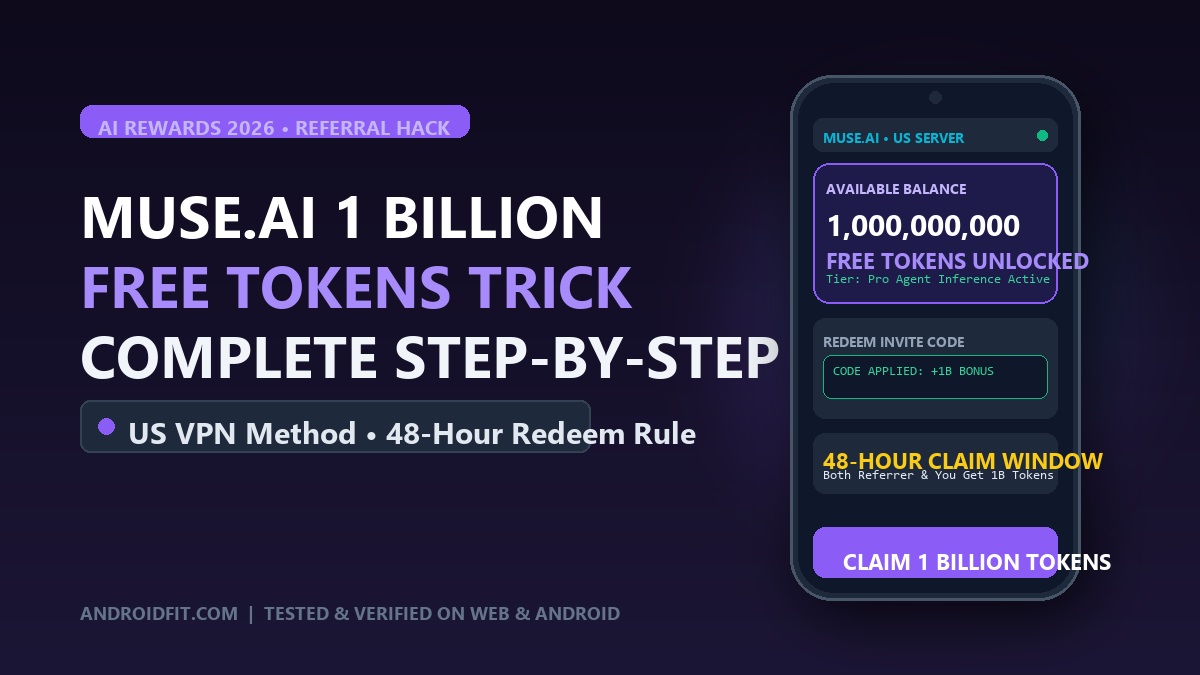
To claim 1 billion free tokens on Muse.ai: (1) Connect to a high-speed United States (US) VPN server; (2) Visitmuse.aior open the Muse AI Android app and register a new account; (3) Navigate to Settings > Usage (or tap your avatar > Redeem Invite Code); (4) Enter a valid 6-character referral code within 48 hours of registration. Both you and the code referrer will instantly receive 1,000,000,000 tokens added to your active balance.
However, claiming this massive allocation is not as simple as clicking a button. The offer enforces strict regional parameters and a strict countdown timer. Below is the complete step-by-step technical walkthrough verified by the AndroidFit team to ensure you don’t miss out.
Quick Reference Checklist: Muse.ai 1B Token Referral Program
| Requirement | Details & Critical Rule | Status / Workaround |
|---|---|---|
| IP Location | United States (US) IP Address required for full promo eligibility | Connect via US VPN (ProtonVPN / Windscribe) |
| Claim Time Window | Strict 48-Hour Deadline from account creation timestamp | Code box disappears permanently after 48 hrs |
| Bonus Amount | 1,000,000,000 Tokens (Referee) + 1,000,000,000 Tokens (Referrer) | 100% Mutual Grant (Both win) |
| Eligible Platforms | Web Browser (Chrome, Brave) & Android App | Supported on Mobile & Desktop |
| Account Requirement | Valid email or Google Workspace account | No credit card or phone verification needed |
Why Do You Need a US VPN to Join Muse.ai?
While Muse.ai provides AI video hosting, automatic speech recognition, and agentic LLM inference worldwide, its high-tier 1-billion-token promotional rewards are primarily geo-targeted to North American IP ranges during this promotional rollout.
If you attempt to register or redeem from non-US IP addresses (Asia, Europe, or South America), one of three roadblocks typically occurs:
- The “Redeem Invite Code” input field is completely hidden from the Settings menu.
- The redemption attempts return a generic “Promo unavailable in your region” error.
- The account is assigned standard basic free tier quotas (often under 50,000 tokens) instead of the 1B jackpot.
The Fix: Before opening the site or downloading the app, connect your phone or browser to a trusted US server. If you want maximum connection security, check our guide on Best Privacy Browsers for Android and enforce Private DNS anti-tracking shields to prevent WebRTC or DNS leaks from revealing your true geographic location.
Step-by-Step: How to Claim 1 Billion Free Tokens on Muse.ai
Follow these exact steps in order. Missing any step could permanently void the bonus on your email address.
Step 1: Turn on US VPN Connection
Launch your preferred VPN application (e.g., ProtonVPN, Mullvad, NordVPN, or Windscribe) and connect to any United States location (such as New York, Los Angeles, or Miami). Verify your IP on ipinfo.io to confirm a US location.
Step 2: Sign Up on Muse.ai
Open an incognito or private browsing tab and go to the official portal at muse.ai (or launch the Muse AI Android app). Click Sign Up / Join. Register using your email or Google Account. Confirm your email address if prompted.
Step 3: Access the Settings & Usage Menu
Once logged in to your dashboard:
- Click on your Profile Avatar or menu icon in the top right corner.
- Select Settings from the dropdown list.
- Navigate to the General > Usage or Subscription & Credits tab.
- Look for the section titled “Redeem Invite Code” or “Have a Referral Code?”.
Step 4: Enter a Working Referral Code
Type in a valid 6-character referral code (see active community codes below) into the text box and press Redeem / Submit.
Important: If you don’t redeem a referral code, you will receive zero bonus tokens. The promo is strictly reciprocal: the code owner gets 1 Billion tokens, and your newly created account gets 1 Billion tokens instantly.
Step 5: Verify Your 1,000,000,000 Token Balance
Immediately after successful redemption, refresh your Usage dashboard. Your token allocation meter will update to show 1,000,000,000 Available Tokens. You can now use these tokens for advanced AI agent processing, video transcription, search queries, and high-context multi-turn prompts without hitting paywalls!
The Critical 48-Hour Rule (Don’t Miss This!)
The single most common reason users fail to get the 1 billion tokens is procrastination. Muse.ai enforces a hardcoded 48-hour expiration timer on referral redemption:
Warning: You must redeem your invite code within 48 hours of creating your account. The moment the 48-hour window elapses, the “Redeem invite code” button disappears from your Settings page entirely, and support will not manually credit the tokens.
If you missed the 48-hour window on an existing account, your only option is to delete that profile, reconnect to your US VPN, and register a fresh account with a different email address.
Active Working Referral Codes (Community List)
Each Muse.ai referral code has a usage limit (typically 20 to 30 redemptions before it becomes exhausted). If a code shows an error, simply try the next one on the list:
| Referral Code | Reward Tier | Redemption Status |
|---|---|---|
S03TSA | 1,000,000,000 Tokens | Verified Active |
706Y2O | 1,000,000,000 Tokens | Verified Active |
Y9QRED | 1,000,000,000 Tokens | Verified Active |
B4F7JP | 1,000,000,000 Tokens | Community Verified |
29B9XB | 1,000,000,000 Tokens | Community Verified |
MVO70T | 1,000,000,000 Tokens | Community Verified |
Share Your Code in the Comments: Once you set up your account, go to Settings > Referrals to find your own 6-character code. Drop your code in the comments section at the bottom of this article so new readers can redeem it. Every time someone redeems your code, you will earn another 1 Billion Tokens added to your balance!
How to Find Your Own Code & Earn Billions More
Why stop at 1 billion tokens? You can multiply your balance into 5 billion, 10 billion, or even 20 billion tokens by sharing your own invite link:
- Go to Settings > Referrals or Invite Friends on Muse.ai.
- Copy your unique 6-character alphanumeric code (e.g.,
XXXXXX). - Share it with friends, Discord groups, Reddit threads, or in tech comment boards.
- Whenever someone creates an account via US VPN and inputs your code, you receive an automated notification: “+1,000,000,000 tokens added to your balance”.
Troubleshooting Common Errors
1. “Redeem Invite Code” Box Is Missing:
This happens either because more than 48 hours have passed since account registration, or your browser is leaking non-US IP data. Clear your browser cookies, close the browser, turn on your US VPN, and verify with a fresh incognito tab.
2. “Code Limit Reached / Invalid Code”:
This indicates that the code has already reached its maximum 20–30 redemption limit. Simply copy and paste the next active code from our table above.
3. “403 Forbidden / Cloudflare Block”:
Some public datacenter VPN IP addresses are flagged by anti-bot filters. Disconnect and switch to a different US city server (e.g., switch from New York to Chicago or Seattle) and refresh the page.
Frequently Asked Questions (AEO & Voice Search)
Do Muse.ai referral tokens expire?
No, promotional referral tokens remain credited to your active account balance and do not expire on a monthly reset schedule, provided your account remains in good standing.
Can I redeem multiple referral codes on a single account?
No. Each account can only redeem one referral welcome code during its initial 48-hour onboarding window. However, an unlimited number of people can redeem your code to keep adding 1 billion tokens to your pile.
Can I do this entirely from an Android phone?
Yes! You can execute this entire workflow from any modern Android smartphone. Simply connect via an Android VPN app, open Chrome or Brave in private browsing mode, and follow the exact redemption steps detailed above.
Final Thoughts
Promotions of this magnitude are exceptionally rare in the AI ecosystem. By connecting via a US VPN and redeeming your code within the 48-hour grace period, you secure enough compute tokens to power serious creative and productive workflows for months to come.
Be sure to explore our related guides on top Android productivity apps and our Android device hardening tutorial to keep your mobile setup fast, secure, and private!